
Plan your month. Pay your bills. Own your data.
A private, self-hosted bill planner for recurring bills, monthly cash flow, debt payoff, and bank sync — running on your own hardware, in your own SQLite file, with no telemetry.
What can I do here?
Pick the task that matches what you're trying to get done. Most users start with Install, then jump straight to the Tracker or Bills page.
-
Install Bill Tracker
Get the app running on a Linux host with Docker, a persistent
/datamount, and a seeded admin account. -
Finish first-run setup
Change the seeded admin password, create your first regular user, and decide which optional integrations you want enabled.
-
Tour the interface
See what every screen looks like in the current release, with live screenshots from the deployed
v0.37.0instance. -
Add and manage bills
Add a recurring bill, set its cycle and autopay, configure debt fields, and link it to a bank-sourced service.
-
Record a payment
Mark a bill paid, record a manual payment, set up autopay, and handle bank-payment overrides and late attribution.
-
Connect your bank
Set up SimpleFIN, sync balances and transactions, run auto-match, and review or undo match decisions.
What's inside the app?
A one-line description of every screen. Each card links to the matching guide page with screenshots and step-by-step detail.
-
Tracker
Plan a month, review due bills, sort, record payments, and manage overrides from a single view.
-
Bills
Maintain recurring bills, cycles, debt fields, autopay trust, and cancellation reasons.
-
Subscriptions
Browse recurring charges, see bank-backed suggestions, and accept them as new bills.
-
Service Catalog
Tune how BillTracker recognizes recurring charges from your bank transactions and link them to your bills.
-
Calendar
See due dates and recorded payments on a month grid, or subscribe to a private ICS feed in your calendar app.
-
Analytics
Trend, category, and merchant breakdowns of paid bills and bank-sourced transactions over the periods you choose.
-
Snowball
Compare debt snowball and avalanche payoff plans side by side.
-
Spending
Categorize bank transactions, set per-category monthly budgets, and save merchant rules so future syncs auto-categorize.
-
Data and backups
Import records, export user-owned data, and schedule encrypted backups of the SQLite database.
-
Admin
Manage users, auth methods, backups, cleanup, notifications, privacy settings, and sync settings.
See it in action
Live captures from the deployed v0.37.0 guest instance. All renders
are dark-first to match the default app theme; this docs site mirrors
that choice.
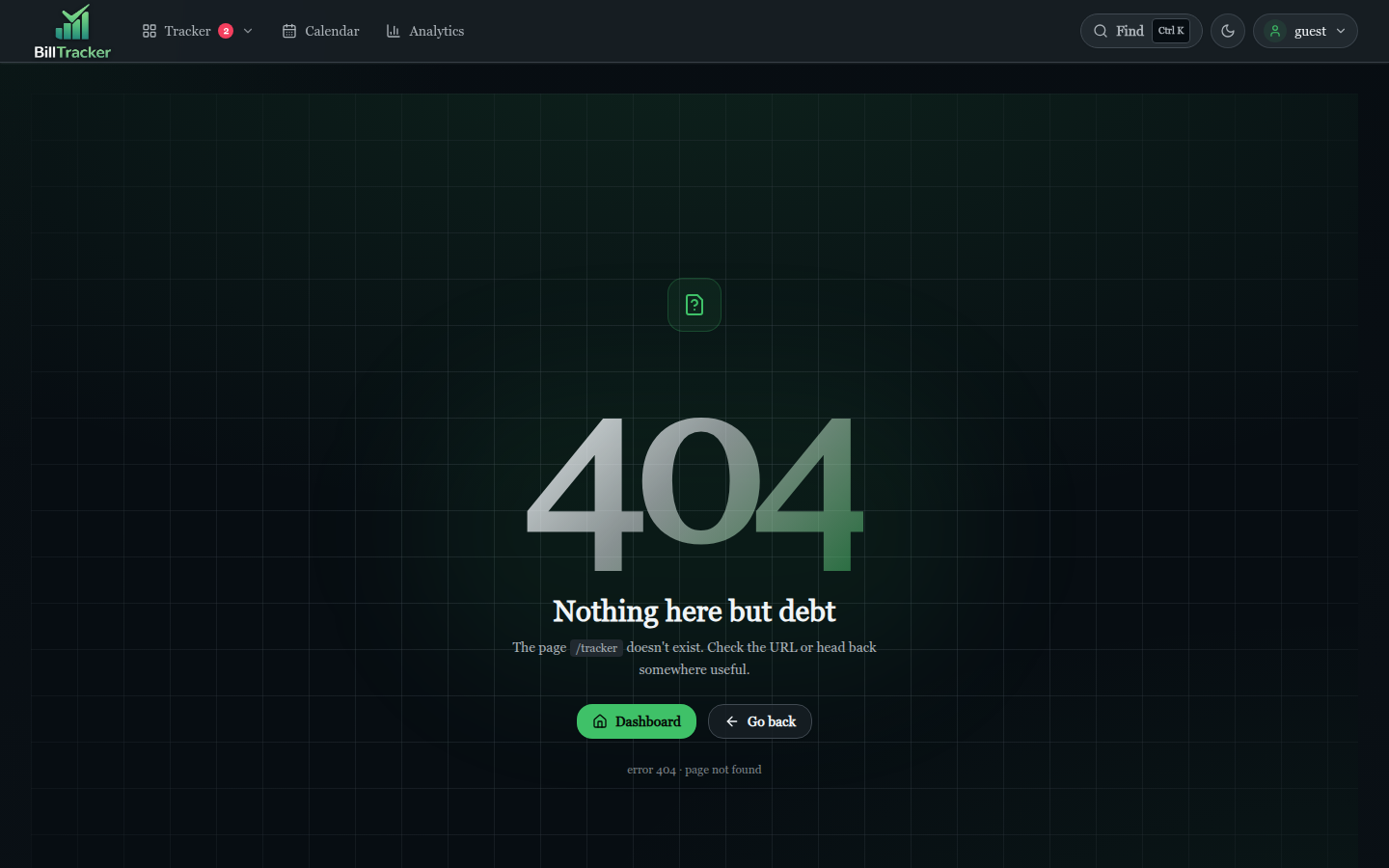
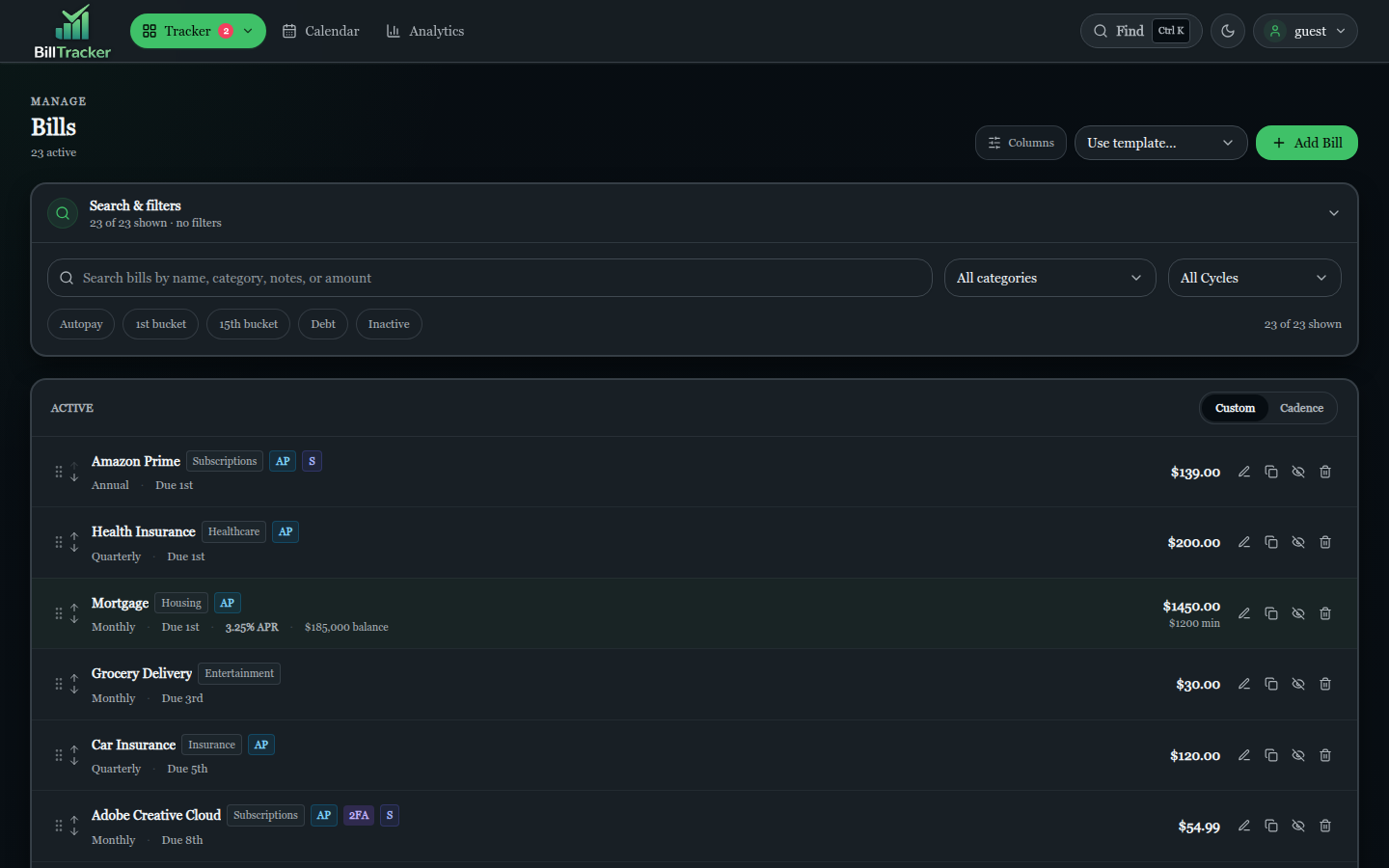
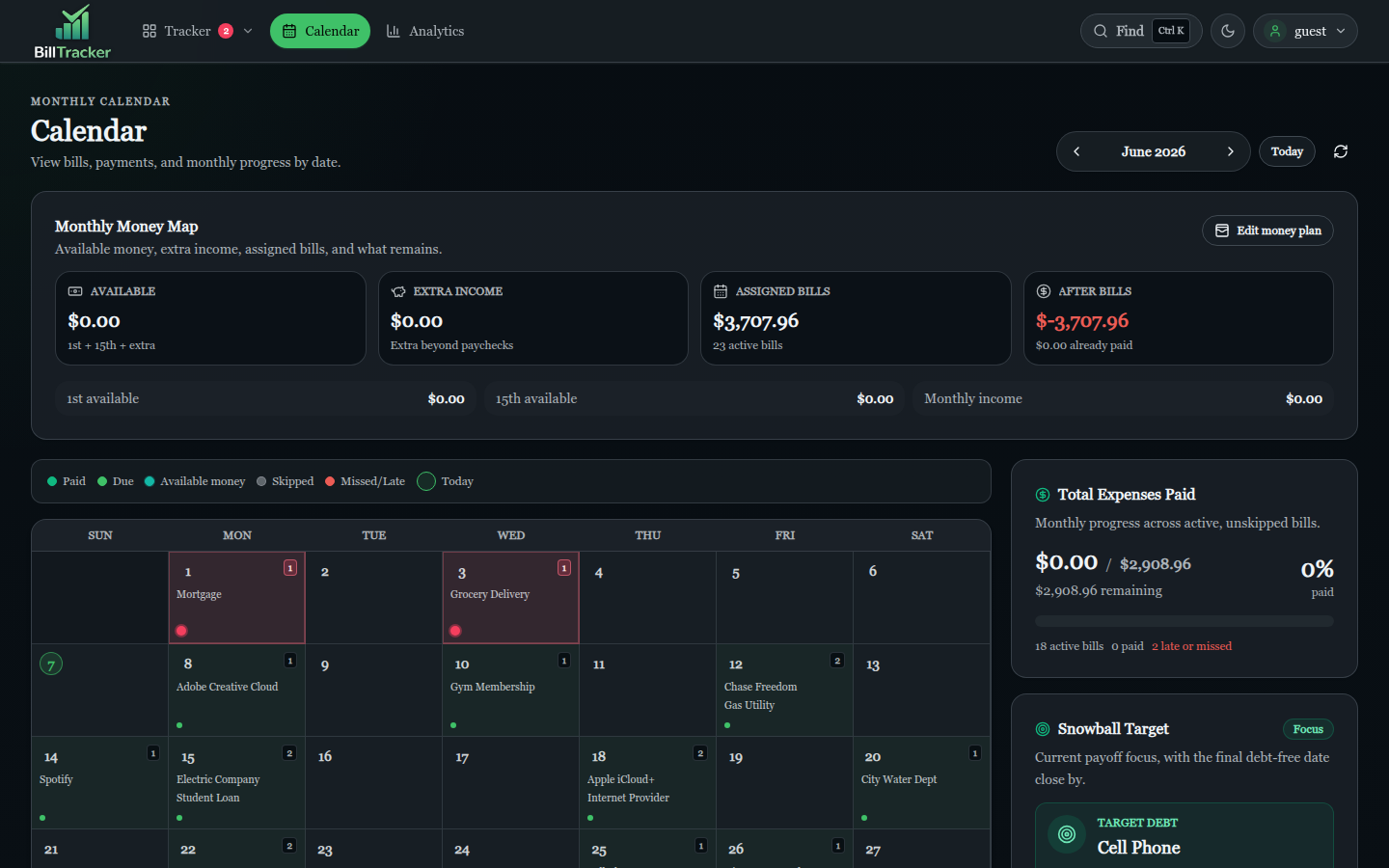
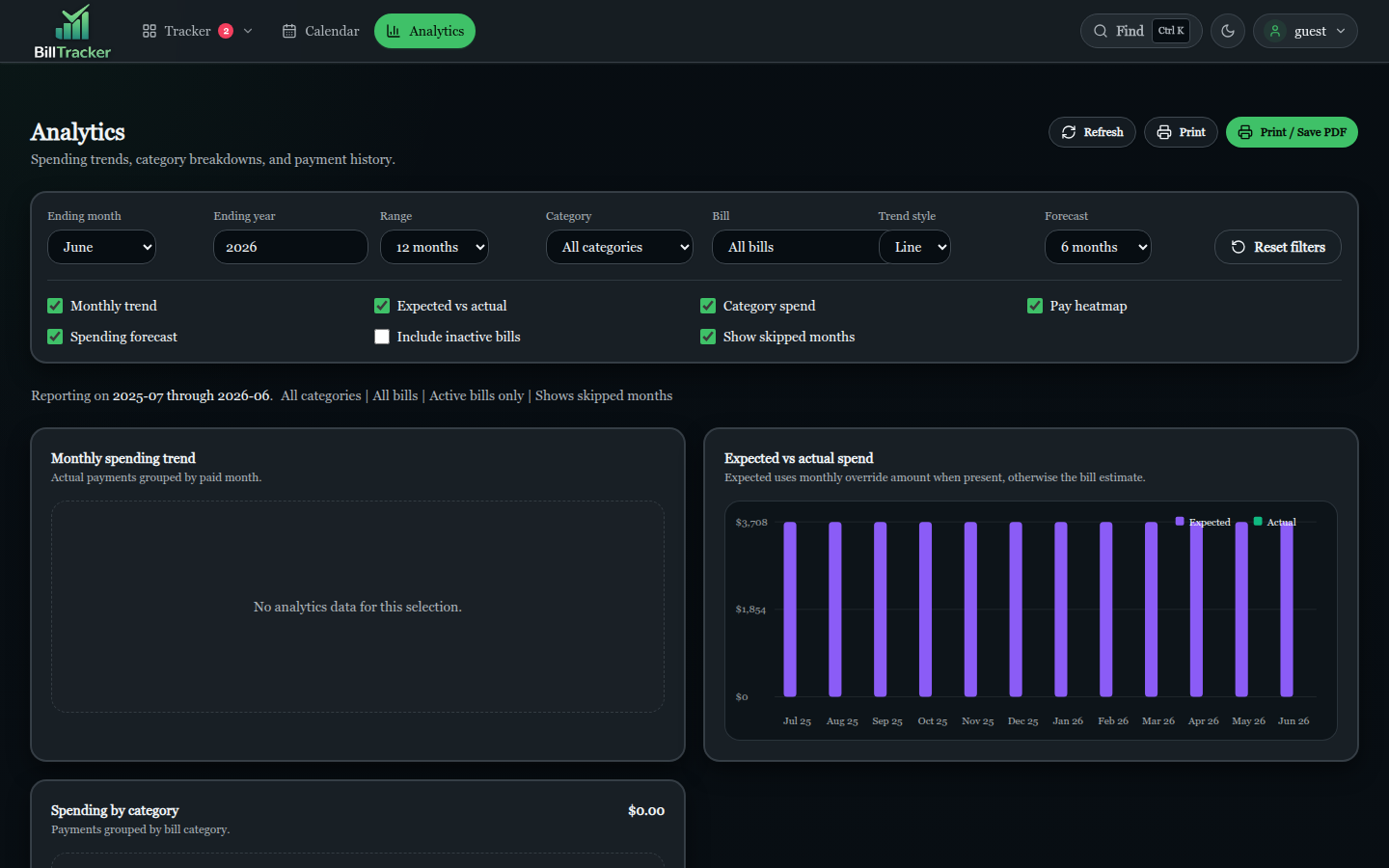
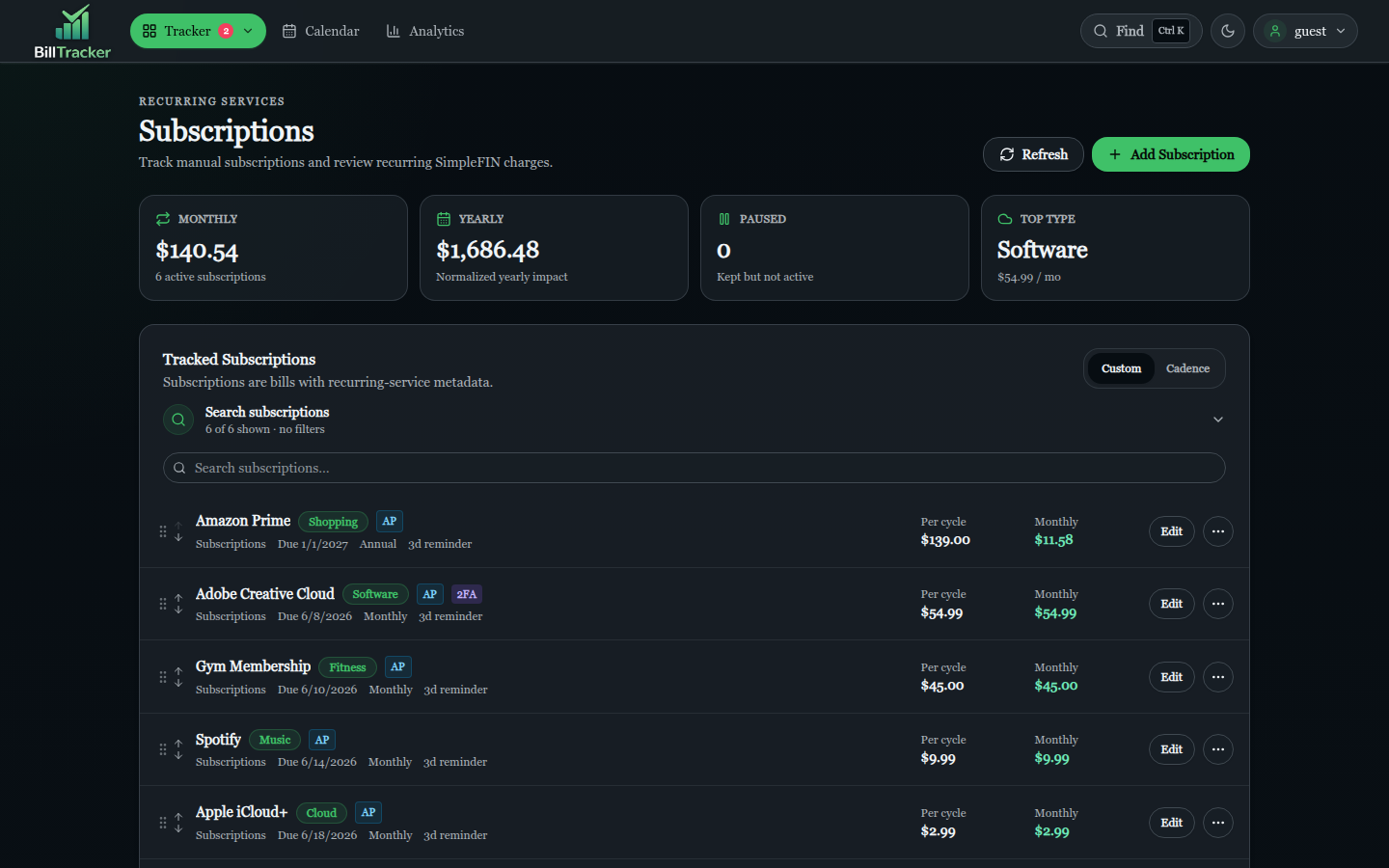
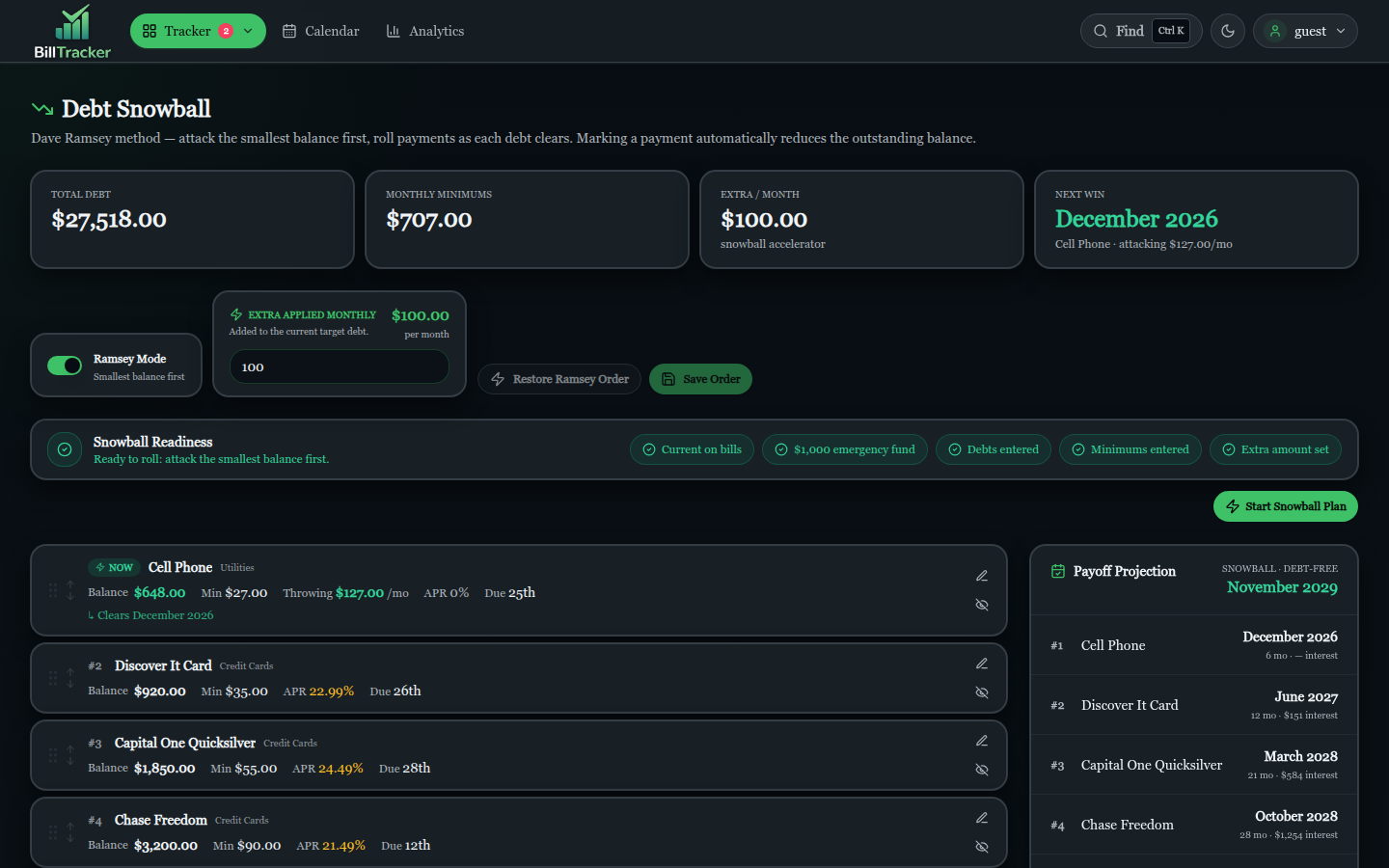
See the visual tour for the full annotated walkthrough.
What's new in this release?
A handful of the v0.37.0 highlights. See the release notes for the full changelog.
-
Autopay trust indicator
The tracker row's
APbadge now shows a 12-month confidence score with a "Mark verified" action inside BillModal. -
Trend sparkline
Each tracker row renders the last 6 months of paid amounts as an inline SVG polyline, with a "Changed" badge when amounts drift.
-
Sortable Tracker
URL-backed sorting by name, due date, amount, status, and more — with a lifecycle-aware status order, not plain alphabetical.
-
Private calendar feed
Token-protected
feed.icsendpoint that exports due dates to Apple Calendar, Google Calendar, Outlook, and any ICS client. -
Undo auto-matches
A review panel in Data → Bank Sync surfaces every merchant-rule auto-match in the last 7 days with an Undo button.
-
Animated transitions
Smoother page, dialog, and Tracker reorder transitions without blocking interaction.
-
Profile display name
Profile name updates now persist to
users.display_nameand show in the sidebar after reloads. -
Cancellation reasons
Deactivating a bill asks why: moved, switched, paid off, cancelled, or other.
-
Service Catalog page
A dedicated matching workspace at
/subscriptions/catalogfor bank-descriptor scoring, custom payee strings, and re-linking catalog entries to existing bills. -
Bank-payment override
Manual payments count immediately. When a bank-backed payment clears for the same bill cycle, it becomes the source of truth and the manual payment is preserved as history.
-
TOTP and WebAuthn 2FA
Authenticator app and FIDO2 hardware security key support behind the existing second-step login flow. RP ID and origin are configurable per environment.
-
Session token hashing
sessions.idnow storesSHA-256(token)instead of the raw UUID. Existing sessions are invalidated on first upgrade — every user logs in once. -
Geolocation opt-in
The
ip-api.comlookup is off by default. Each user chooses in Profile → Privacy whether future login-history entries can include city, region, country, and ISP. -
Remembered search panels
Tracker, Bills, and Subscriptions search/filter panels remember their collapsed state across pages and sessions via a per-user setting.
Private by design
BillTracker has no hosted cloud service, advertising, or telemetry. Optional integrations such as SimpleFIN, OIDC, SMTP, and update checks contact only the services that your administrator configures — and any of them can be left disabled.
The default deployment listens on 127.0.0.1, uses CSRF-protected
cookie sessions, rate-limits authentication, and supports WebAuthn and
TOTP for second-factor login. See the security model for
the full threat model and the operations runbook
for production deployment patterns.
Ready to try it?
Run BillTracker on any host with Docker, or read the security model first if you're evaluating it for a household or team.